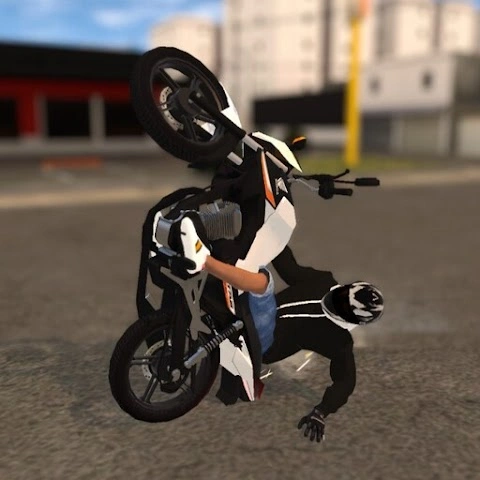
Downloading the Elite Auto Brasil APK is a convenient option for players who want to install the game without using Google Play or who need to manually reinstall it on their Android device. Click on the link below to start downloading:
Alternative download links (armeabi-v7a and arm64-v8a; bigger file size):
APK Information
- Developer: Solty Games Studio
- Package Name: com.SoltyGames.EliteAutoBrasil
- Platform: Android
- Android Version Required: 7.0 or higher
- APK Size: 298 MB / 598 MB / 614 MB
- Latest Version: 0.62
- Languages: Portuguese (Português), English, Spanish (Español)
Why Download the APK?
Downloading the APK allows you to:
- Install the game on devices without Google Play or Internet connection (saves traffic)
- Access the latest version faster in some regions
- Manually install or reinstall the game if Play Store issues occur
How to Install Elite Auto Brasil APK
- Download the APK (or XAPK) file
- Enable “Install unknown apps” in Android settings
- Open the file and follow the installation steps
- Launch the game and start playing
Note: The download is in XAPK format, so an XAPK installer app may be required.
Detailed guide how to download and install Elite Auto Brasin on PC
Key Features
- Open-world map inspired by Brazilian cities and roads
- Cars and motorcycles with realistic yet accessible physics
- Wheelie (empinada) stunt system
- Vehicle customization: colors, textures, wheels, and visual details
- Player clothing and style customization
- Offline-first gameplay (no constant internet required)
- Regular updates and active development